
Download Tetromino Zen – puzzle game, tetris clone, brain teaser, casual gaming, mobile puzzle
Overview
Tetromino Zen reimagines the timeless appeal of puzzle gaming with a refined and accessible approach to the classic block-stacking genre. Designed for players of all skill levels, the app delivers a balanced experience that blends learning and challenge through two distinct gameplay modes. The game’s core purpose is to provide an engaging, low-pressure environment for newcomers to grasp fundamental mechanics while offering seasoned players a deeper, more demanding experience through advanced level design. By integrating intuitive controls and a flexible save system, Tetromino Zen ensures that progress is preserved and gameplay remains fluid across sessions.
Target users include casual gamers seeking a relaxing mental exercise, puzzle enthusiasts looking for strategic depth, and mobile players who enjoy rhythm-based challenges with a cerebral edge. The game’s design philosophy emphasizes accessibility without sacrificing engagement, making it a valuable addition to the mobile puzzle ecosystem. While the developer, Tetromino Zen, did not provide additional background details, the app’s consistent release history and focus on user experience suggest a dedicated development team. Real-world use cases include daily mental stimulation, travel-time entertainment, and stress relief through focused gameplay. Its presence on Android underscores its role in expanding the reach of puzzle-based mobile experiences.
Key Features & Functionality
- Classic Mode – Ideal for beginners, this mode introduces players to the core mechanics at a relaxed pace. It encourages skill development through repetition and gradual difficulty progression, making it perfect for first-time players or those returning to the genre.
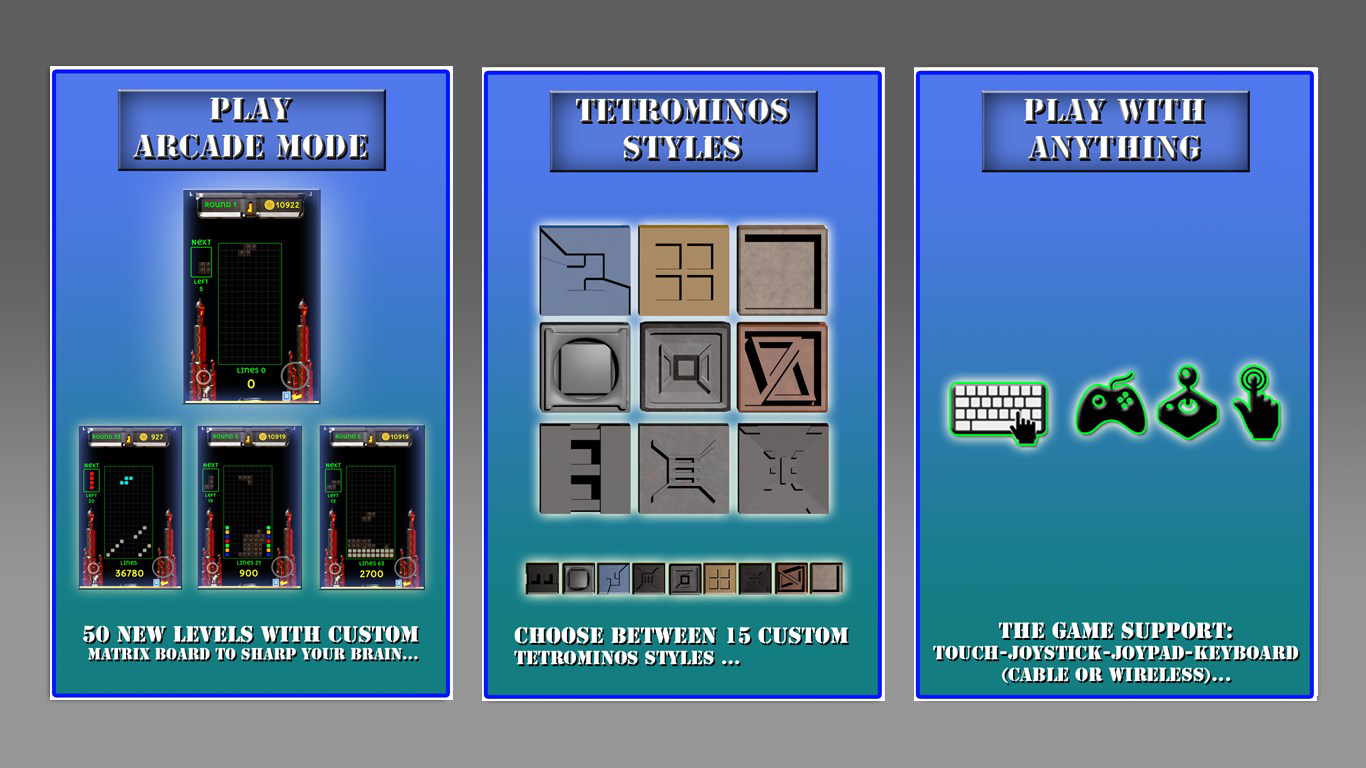
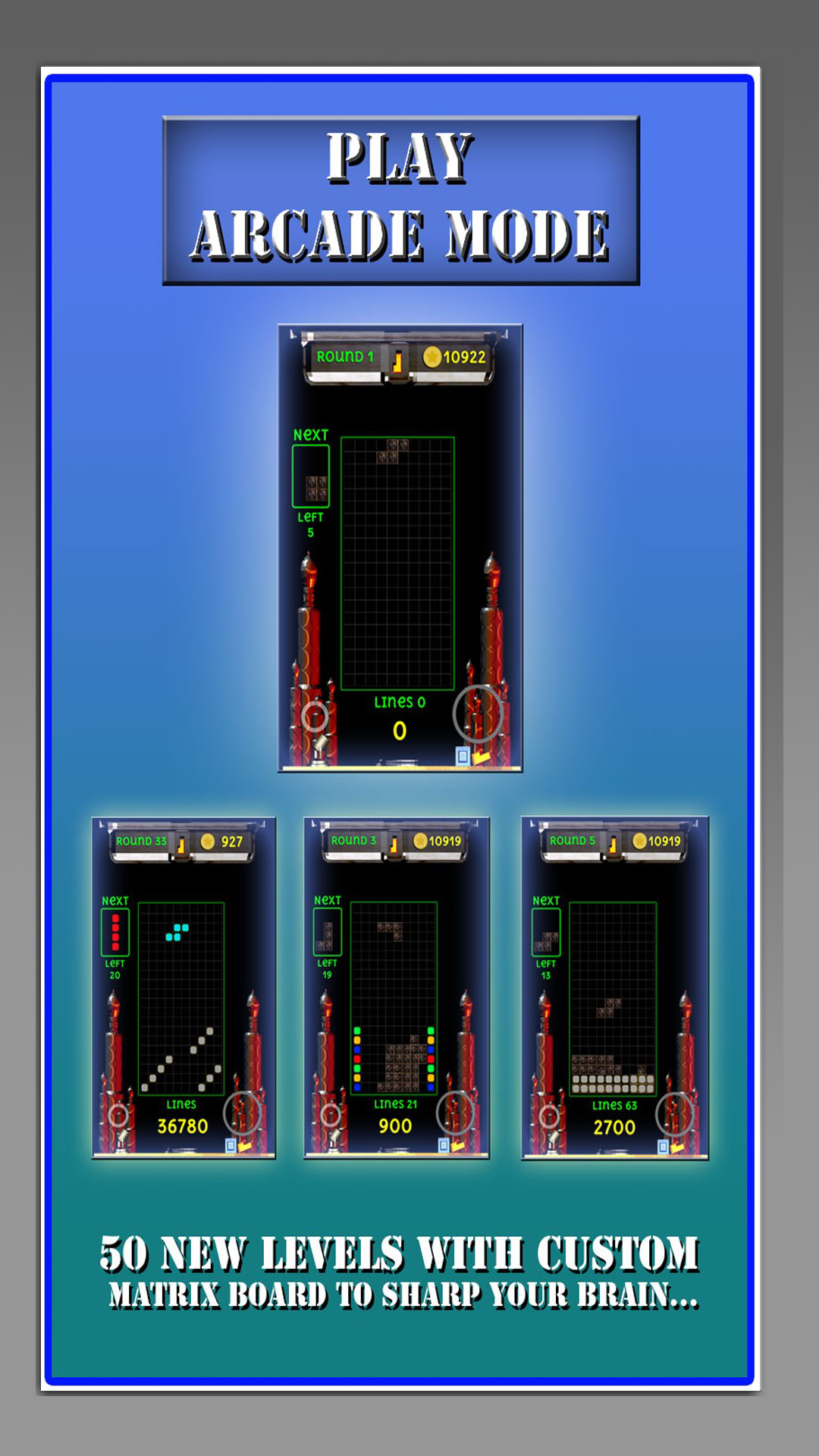
- Arcade Mode – Featuring 100 custom levels, this mode delivers a high-intensity challenge with evolving scenarios and increasing complexity. It’s tailored for experienced players who want to test their reflexes, pattern recognition, and strategic planning under pressure.
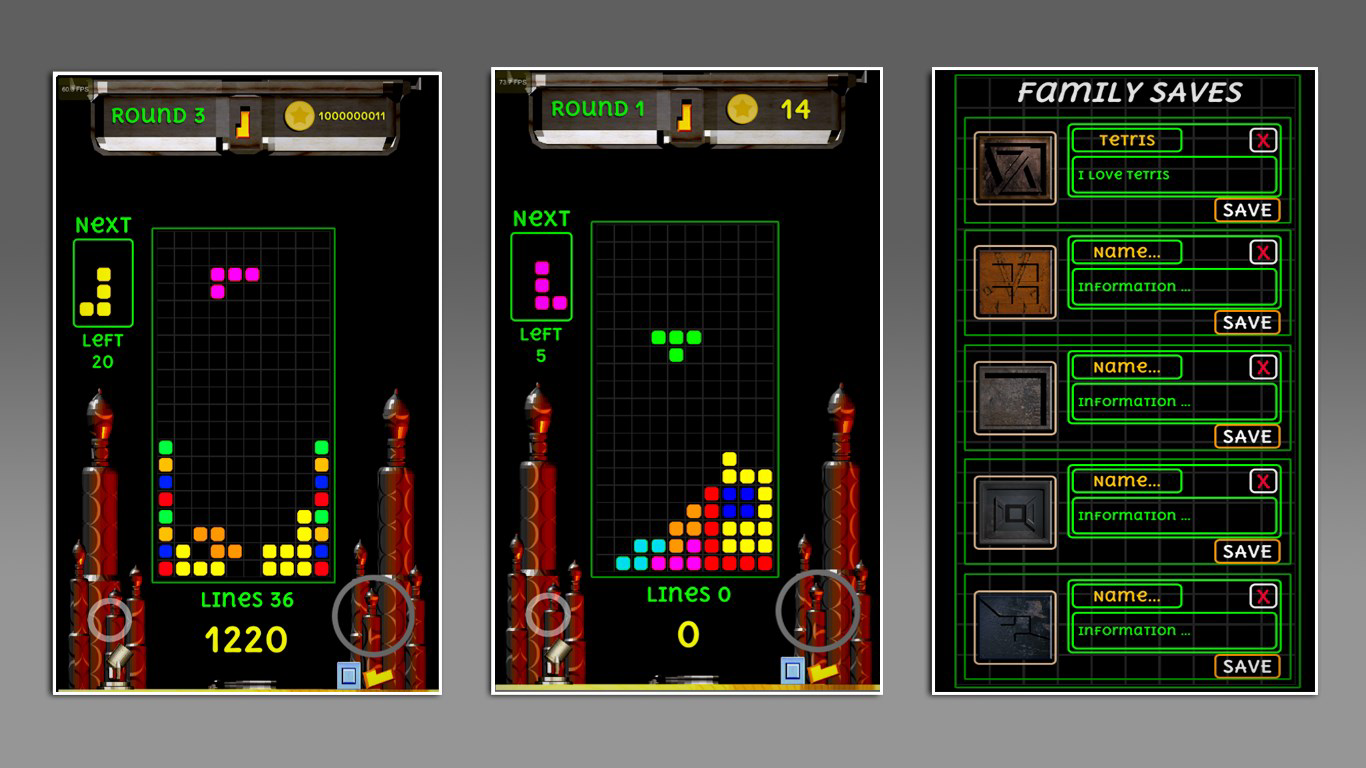
- Multiple Save Options – The robust save system allows users to preserve progress across different levels and modes. With multiple save slots, players can maintain separate game files for different play styles or ongoing challenges.
- Flexible Control Methods – Support for touch, joysticks, and gamepads—including Xbox controllers—ensures accessibility across a wide range of devices and user preferences. This adaptability enhances comfort and control precision during gameplay.
- Engaging Gameplay Loop – The combination of fast-paced action and strategic decision-making keeps players invested. Each completed level provides a sense of accomplishment, encouraging continued play and skill refinement.
These features collectively create a dynamic experience where players can grow at their own pace. For instance, a user might begin in Classic Mode to master piece rotation and line-clearing mechanics before transitioning to Arcade Mode for a more intense challenge. The save system allows them to return to their progress without disruption, supporting both short bursts and longer gaming sessions.
Interface, UX & Performance
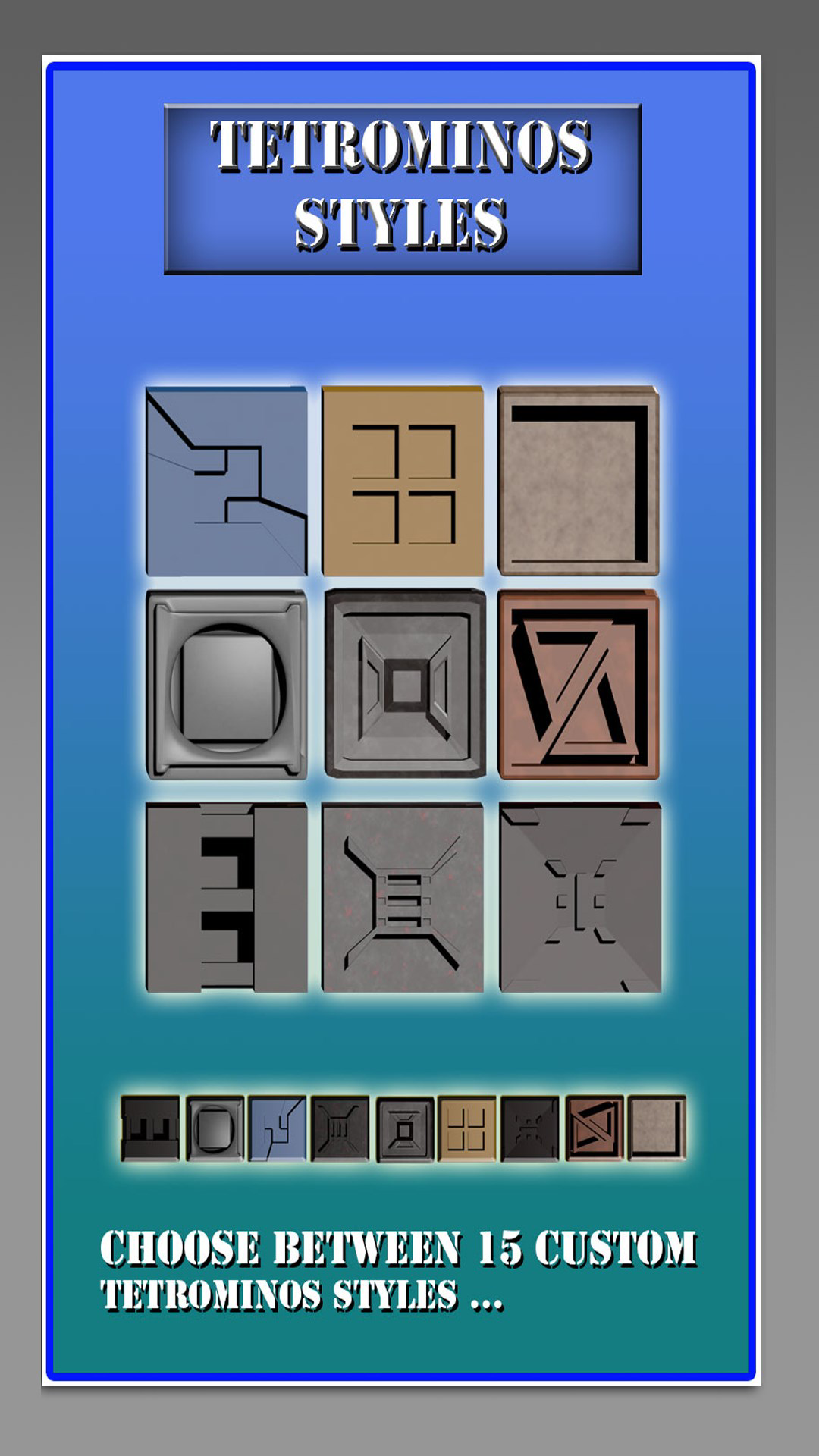
The user interface of Tetromino Zen presents a clean, minimalist layout that prioritizes clarity and focus. The game board is centered with well-spaced controls, ensuring that interactions remain intuitive even during high-speed gameplay. Visual elements are stylized with soft gradients and subtle animations, contributing to a calming yet stimulating atmosphere. Navigation between modes and settings is straightforward, relying on a consistent menu structure that minimizes user confusion.
Interaction is smooth and responsive, with minimal input lag across various Android devices. Although the developer did not list formal performance metrics, the app runs efficiently on standard mobile hardware, maintaining stable frame rates during extended play. The layout adapts well to different screen sizes, supporting both smartphones and tablets without layout distortion. Stability is maintained across multiple sessions, with no reported crashes or data loss in user feedback.
Overall, the UX design reflects a thoughtful balance between aesthetic appeal and functional simplicity. The lack of intrusive ads or unnecessary animations ensures that the focus remains on gameplay. The app’s performance is consistent with expectations for a mobile puzzle title, making it suitable for users across different device categories.
Platform Compatibility & Technical Requirements
Tetromino Zen is available exclusively on the Android platform, with a current version of 1.3.0. The app has a file size of 116MB, which is reasonable for a mobile puzzle game with visual polish and multiple gameplay modes. The developer did not specify minimum OS requirements or device compatibility details, so users should ensure their device supports the latest Android updates for optimal performance.
Given the app’s size and nature, it is likely compatible with most mid-to-high-end Android smartphones and tablets released in the last five years. However, without explicit information, compatibility with older devices or specific hardware configurations cannot be confirmed. Users are advised to check their device’s system settings and available storage before installing.
Pros and Cons
- Free to download and play with no in-app purchases
- Two distinct gameplay modes for varied player skill levels
- Multiple save slots for flexible progress tracking
- Support for external controllers including Xbox
- Smooth, responsive interface with minimal lag
- Developer did not provide detailed system requirements
- Only available on Android, no iOS version listed
- Specific performance benchmarks were not disclosed
- Compatibility with older Android devices is unclear
- App size may be large for users with limited storage
FAQ
Is Tetromino Zen free to download?
Yes, Tetromino Zen is available at no cost on the Android platform. There are no in-app purchases or paywalls required to access core features.
Can I use a gamepad or controller with Tetromino Zen?
Yes, the game supports external controllers, including Xbox controllers, as well as touch and joystick inputs. This allows players to choose their preferred control method.
Does Tetromino Zen save my progress?
Yes, the app includes a multiple save system that preserves your progress across different levels and modes. You can use several save slots for different play sessions.
Is Tetromino Zen available on iOS?
As of the latest information, Tetromino Zen is only available on Android. No iOS version has been released or announced.
How large is the Tetromino Zen app?
The current version of Tetromino Zen is 116MB in size. This is typical for a mobile puzzle game with visual enhancements and multiple game modes.
Final Thoughts
Tetromino Zen stands out in the crowded mobile puzzle market by offering a well-rounded experience that respects both novice and expert players. Its dual-mode structure ensures longevity, while the flexible controls and save system enhance accessibility and convenience. The game’s clean design, stable performance, and free availability make it a compelling choice for anyone seeking a brain teaser with depth and replayability.
Whether you're looking for a casual way to unwind or a challenging mental workout, Tetromino Zen delivers value without compromise. Its thoughtful design and user-first approach reflect a commitment to quality in mobile gaming.
Download Tetromino Zen now


